
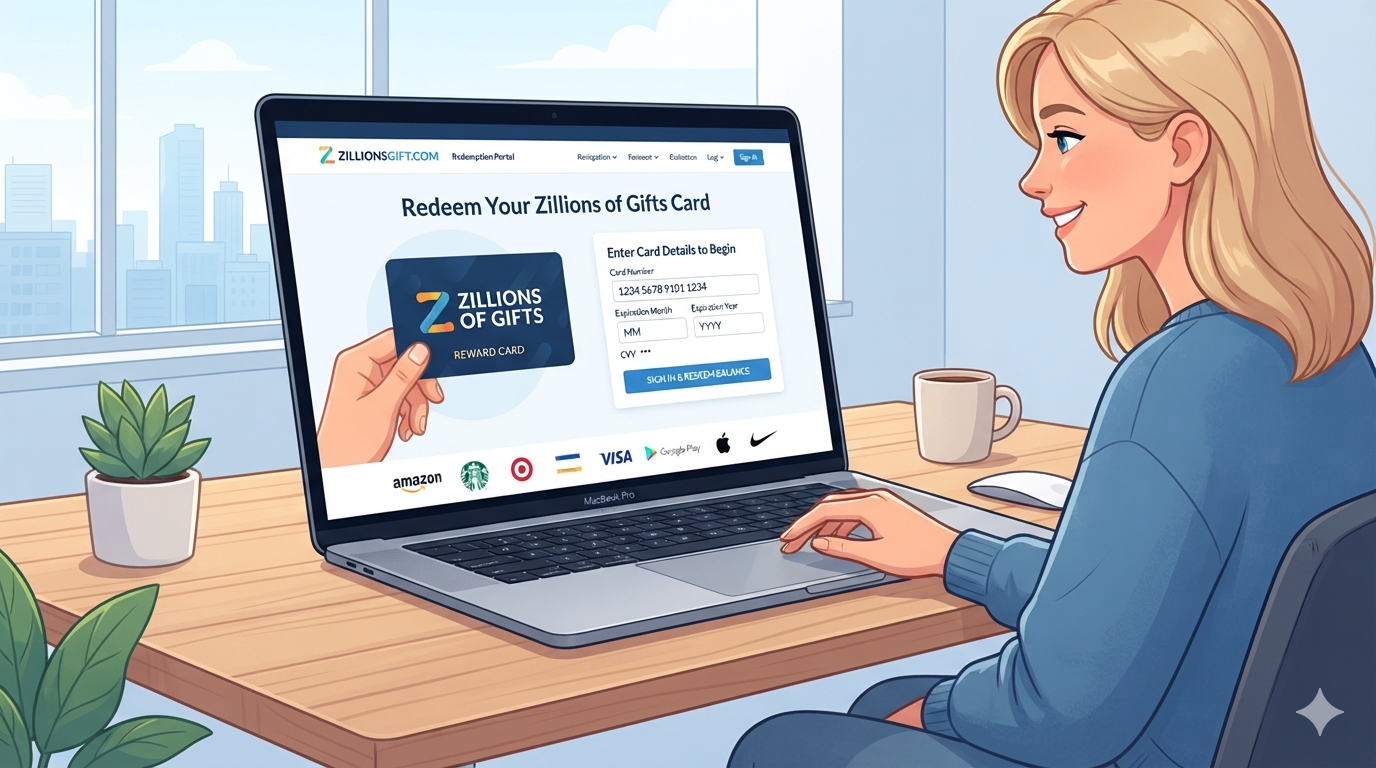
ZillionsGift Com is the redemption website for the Zift Zillions of Gifts program. It is not a normal online shopping store. Instead, it lets eligible cardholders exchange their Zillions of Gifts card for digital gift cards from participating brands. The official website asks users to enter their card number, expiration month, expiration year, and CVV. After signing in, users can view available eGift choices and redeem their card balance.
This makes the service useful when you receive a multi-brand gift card. You do not normally spend the original card directly at a retailer. Instead, you select an available eGift and receive it by email. The exact brands and available amounts can change. The official site also says that only cards purchased in the United States can be redeemed there. This is an important detail to check before starting the process.
ZillionsGift Com at a Glance
| Feature | Details |
|---|---|
| Website | ZillionsGift.com |
| Main purpose | Redeem Zillions of Gifts cards |
| Card type | Physical or digital card |
| Redemption | Digital gift cards |
| Delivery | |
| Availability | Participating U.S. brands |
| Fees | No card or eGift redemption fees stated |
| Multiple eGifts | Yes, when balance allows |
| Multiple cards | Must be redeemed separately |
| Physical gift card | Not available through redemption |
| Customer care | 1-833-414-9427 |
| Order support | 1-844-966-6422 |
The table above summarizes information published by the official ZillionsGift help pages.
How Does ZillionsGift Com Work?
The basic process is quite simple. First, you need an eligible Zillions of Gifts card. For a physical card, the required information is found on the card. This includes the 16-digit card number, expiration details, and CVV. Digital card users can usually access their card through the View Now button in the email they received.
After entering your details, you can browse the eGift options available for your card. You can then choose a participating brand and select an available value. If your balance supports multiple eGifts, you may choose more than one. Once checkout is completed, the selected eGift cards are delivered to the email address you provide. This process gives users more choice than using one fixed retailer card.
How to Redeem a Zillions Gift Card
Redeeming a card through ZillionsGift Com requires only a few basic steps. Start by visiting the official website. Enter your 16-digit card number without spaces. Then enter the expiration month, expiration year, and CVV shown on your card. Digital card users should follow the access link in their original email.
Once your card is accepted, review your available balance. Browse the brands shown for your particular card. Select the eGift you want and choose an available amount. Enter the requested email address and complete checkout. Your digital gift card should then arrive by email. The official FAQ says delivery usually takes about five minutes. However, delivery can take up to 24 hours in some cases.
How to Check Your ZillionsGift Balance
Checking your ZillionsGift balance is useful before choosing an eGift. Your balance determines which gift card values you can select. To check it, sign in using your card credentials. The available balance appears at the top right of the website after you successfully log in.
It is a good idea to check your balance before selecting a brand. Some brands have minimum redemption values. For example, your remaining balance may be too low for a particular eGift. In that case, you will need to choose another available option. The official FAQ also explains that brand choices and amounts can change over time. Therefore, the options you see today may not be identical to those shown later.
Can You Redeem More Than One eGift?
Yes. One useful feature of ZillionsGift Com is the ability to choose multiple eGifts when your available balance allows it. This can help you use more of your card value instead of selecting one large gift card. The official FAQ confirms that users can select one or more eGifts up to their available balance.
However, there is an important difference between multiple eGifts and multiple Zillions cards. You cannot combine several Zillions cards into one redemption. Each card must be redeemed separately. This rule can matter when someone receives several cards from different promotions or gifts. Planning your selections before checkout can also help you use the available balance efficiently.
What Happens After You Place an Order?
After you finish your redemption, ZillionsGift Com sends the selected eGift to your email. The official help information says approved eGifts generally arrive within five minutes. However, the process can sometimes take up to 24 hours.
If the email does not arrive, check your spam or junk folder first. You can also use the website’s Track Order feature. The official FAQ says users can enter their order number and email address to locate an order. A resend option may also be available. These simple checks can solve many delivery problems without requiring another redemption attempt.
Does a Zillions Gift Card Expire?
The expiration date printed on the card still matters when accessing the card. However, the official FAQ says the funds themselves do not expire. It also states that most brand eGifts do not expire, although users should check the terms for the specific eGift they select.
This distinction can be confusing. A card may display an expiration date while its funds remain available under the program rules. Always check the official terms before assuming that a card balance has disappeared. It is also wise to redeem your card through the official website rather than entering the card details on an unrelated website.
Can You Use the Zillions Card Directly at a Store?
No. A Zillions of Gifts card is not normally used directly at the participating retailer. ZillionsGift Com is the redemption point. You exchange the card balance for an available eGift from a participating brand. The resulting eGift can then be used according to that brand’s rules.
This is one of the most important things new users should understand. Seeing a retailer associated with a Zillions card does not necessarily mean you can hand the original card to that retailer. Instead, sign in to the official redemption website and check the brands currently available to you.
Is ZillionsGift Com Legit?
The official website identifies the card issuer as Pathward, N.A., Member FDIC, and says the cards are distributed and serviced by InComm Financial Services Inc. These details provide useful information about the program’s stated structure.
However, legitimacy and user experience are different questions. Third-party review sites show mixed customer feedback. For example, Trustpilot currently displays a 3.8 rating from thousands of reviews, with users reporting both convenient redemptions and frustrations involving customer support or technical issues.
For safety, always type the official domain yourself or use a trusted bookmark. Avoid entering your card number into pages that imitate the service. Never share your CVV with someone who contacts you unexpectedly.
Common ZillionsGift Com Problems
Users can sometimes experience problems while using ZillionsGift Com. A page may fail to load, card information may be rejected, or a verification step may not work correctly. Technical problems can also prevent an order from completing.
Start by checking your internet connection and browser. Make sure the card details are entered exactly as printed. Do not add spaces to the 16-digit card number when the form does not allow them. If an eGift email is missing, check your spam folder and use the Track Order feature. The official site provides separate phone numbers for card support and order support.
ZillionsGift Customer Service
If your card is not working, the official FAQ provides a customer care number: 1-833-414-9427. For order-status questions, the site lists 1-844-966-6422.
Keep your card information available when contacting support. The official FAQ says customers may need to provide the card number and other requested identifying information. If your card is lost or stolen, contacting customer care quickly is especially important. The official help page says users can request a replacement by providing the required card information.
Important Safety Tips for ZillionsGift Com
Using ZillionsGift Com safely starts with visiting the correct website. Do not follow random links from messages that ask for your card details. Check the spelling of the domain before entering sensitive card information. A fake website can look similar to the real page.
Also remember that the official website says the service is intended for personal consumer use. It places a monthly redemption limit of $5,000 per customer. The terms also say redemptions may be limited or canceled when fraud, abuse, suspicious activity, or attempts to bypass program limits are detected.
A simple rule is best: only enter your card information on the official website.
Benefits and Limitations of ZillionsGift Com
| Benefits | Limitations |
|---|---|
| Multiple eGift choices | Brand selection can change |
| No stated redemption fees | U.S.-only redemption |
| Digital delivery | Delivery can sometimes take longer |
| Multiple eGifts may be possible | Multiple cards cannot be combined |
| Online balance checking | Original card cannot be used directly at retailers |
| Official customer support | Technical issues may occur |
| Physical and digital cards supported | Some eGifts have minimum values |
These points are based mainly on the program’s published rules and help information.
Tips for Getting the Most From Your Card
The best way to use a ZillionsGift Com card is to review the available options before making a choice. Do not assume the brands printed on promotional material will always match the current online selection. The official website explains that its brand assortment can change regularly.
Check the minimum value for each eGift. This can prevent you from choosing an option that your remaining balance cannot cover. If you have a small leftover balance, look for another eligible eGift that fits the amount. Most importantly, keep your confirmation email and order number. These details can help if you need to track or resend your digital gift card.
Frequently Asked Questions About ZillionsGift Com
1. What is ZillionsGift Com?
ZillionsGift Com is the official redemption website for Zift Zillions of Gifts cards. Users exchange eligible cards for digital gift cards from participating brands. The website is not designed for ordinary product shopping.
2. How do I redeem a Zillions gift card?
Visit the official website and enter your card number, expiration information, and CVV. Digital card users can use the View Now link from their email. Then choose an available eGift and complete checkout.
3. Can I redeem multiple eGift cards?
Yes. You can choose multiple eGifts when your available balance supports them. However, separate Zillions cards cannot be combined into one redemption.
4. How long does a Zillions eGift take to arrive?
The official FAQ says eGifts usually arrive within about five minutes. However, delivery can take up to 24 hours. Check your spam folder if you do not see the email.
5. Can I use my Zillions card directly at a store?
No. The Zillions card is redeemed through the official website. You then receive an eGift from an available participating brand.
6. What should I do if my Zillions card does not work?
First, carefully check the card details and try again. If the problem continues, contact the official customer care team at 1-833-414-9427. For order-status questions, use the official order support number.
Final Thoughts on ZillionsGift Com
ZillionsGift Com provides a simple way to turn a Zillions of Gifts card into digital gift cards from participating brands. The key is understanding that the original card is mainly a redemption tool. It is not normally used directly at a retailer. You sign in, check your balance, select an available eGift, and receive it by email.